


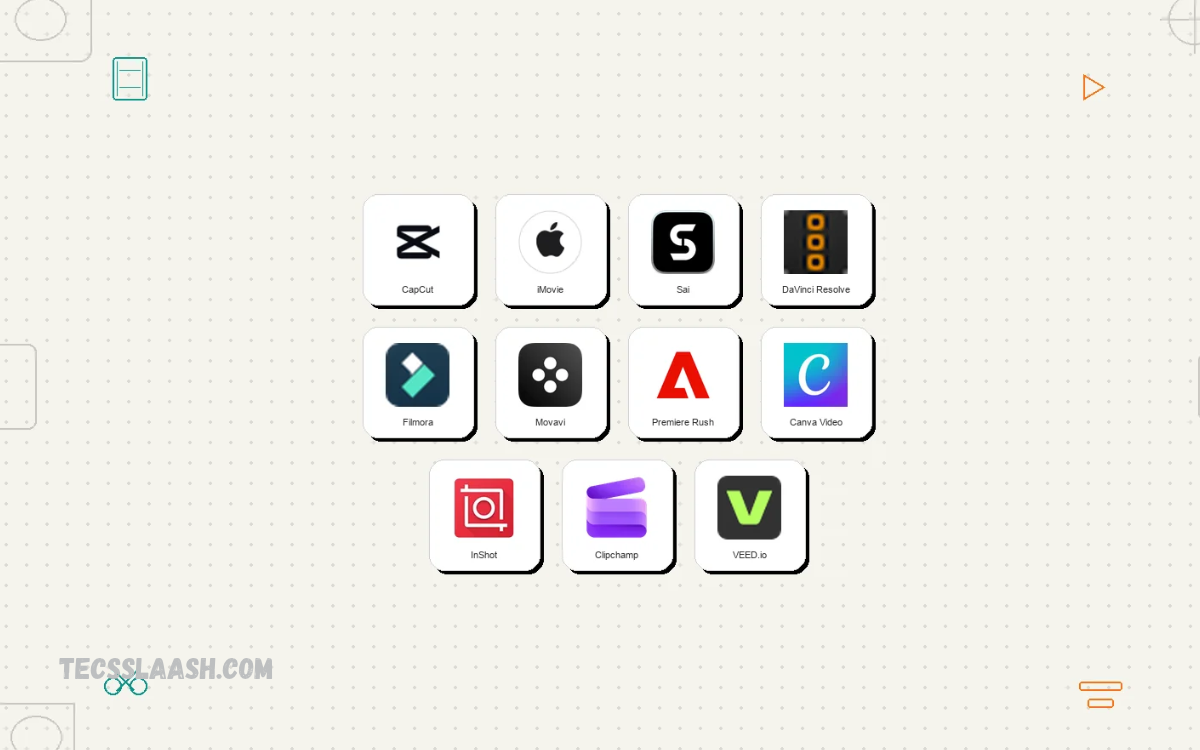
Video editing has become an essential part of digital content creation. From YouTube videos and Instagram Reels to TikTok clips and professional presentations, people use video editing applications to transform ordinary recordings into engaging visual content.
Choosing the right application can make a significant difference in your editing experience. The best video editing apps compared in this guide offer different features, performance levels, creative tools, and pricing options to help users find software that matches their needs.
Why Choosing the Right Video Editing App Matters?
A good video editing application makes it easier to organize clips, remove unwanted scenes, add transitions, adjust colors, and create professional-looking videos. The right software can also save time by providing ready-made templates, automatic captions, audio tools, and AI-powered features.
However, not every application offers the same experience. Some editors are designed for beginners who want quick results, while others provide advanced controls for professional filmmakers and experienced content creators.
Best Video Editing Apps Compared
Several video editing applications have become popular because of their creative features and user-friendly interfaces. Each platform has its own strengths, so it’s important to compare their capabilities before choosing one.
The following applications are worth considering for different editing requirements, including mobile content creation, social media videos, YouTube production, and professional projects.
CapCut – Best for Social Media Video Editing
CapCut is a popular video editing app designed to create engaging content quickly. It provides trimming tools, transitions, filters, effects, text animations, background removal, and automatic caption features that make everyday editing easier.
Its template collection is particularly useful for people who regularly create short-form videos. However, feature availability and pricing can vary by region and platform, so users should check the current version before relying on a particular tool.
Adobe Premiere Rush – Best for Simple Professional Editing
Adobe Premiere Rush offers a straightforward editing experience for creators who want a more organized workflow. It includes timeline editing, audio adjustments, titles, transitions, and tools for preparing videos for different social media platforms.
Its simple interface makes it suitable for beginners and intermediate users. Creators already familiar with Adobe products may also appreciate its connection to the wider Adobe editing ecosystem, although it doesn’t offer the advanced controls available in Premiere Pro.
Filmora – Best for Creative Video Effects
Filmora is designed for users who want creative editing tools without dealing with an overly complicated interface. It provides visual effects, transitions, motion titles, audio editing, color adjustments, and several AI-assisted features.
The application is suitable for YouTube creators, students, marketers, and small businesses. Its creative resources make it easier to produce attractive videos, although some advanced features and premium assets require a paid subscription.
VN Video Editor – Best for Free Mobile Editing
VN Video Editor is a useful option for people who want timeline-based editing on mobile devices. It offers trimming, speed adjustments, keyframe animation, filters, transitions, music, and multiple video and audio tracks.
Its interface provides more creative control than many basic editing applications. It is particularly suitable for beginners who want to learn editing techniques without immediately investing in expensive software.
KineMaster – Best for Multi-Layer Editing
KineMaster provides a range of editing features for creating detailed videos on smartphones and tablets. Users can combine multiple video layers, add text, adjust audio, apply effects, and use chroma key tools for creative compositions.
The application is useful for creators who prefer editing on mobile devices but still need additional timeline controls. Some features and export options may depend on the selected subscription plan.
InShot – Best for Quick Social Media Videos
InShot is a beginner-friendly application that makes editing short videos simple. It includes trimming, cropping, music, stickers, filters, transitions, text overlays, and aspect ratio adjustments for popular social media platforms.
Its easy-to-understand interface makes it especially useful for Instagram, TikTok, and other short-form content creators. However, users looking for complex multi-track editing may eventually need more advanced software.
DaVinci Resolve – Best for Professional Video Editing
DaVinci Resolve is a powerful desktop editing application widely recognized for its professional color-grading capabilities. It combines video editing, visual effects, motion graphics, audio post-production, and color correction within one software environment.
Its free version offers extensive capabilities, making it attractive to serious creators and filmmakers. However, beginners may need time to learn the interface and advanced workflow, especially on demanding projects.
Comparing the Features of Popular Video Editing Apps
Comparing editing features helps users understand which application provides the right balance between convenience and creative freedom. CapCut and InShot focus on accessible content creation, while VN and KineMaster offer additional timeline controls for mobile editing.
Filmora and DaVinci Resolve provide broader creative possibilities for desktop users. Adobe Premiere Rush offers a simpler editing experience for creators who prefer a familiar, streamlined workflow.
Read Also: Bollywood Actress Upcoming Movies: Latest Films to Watch
Video Editing Apps for Beginners
Beginners should choose an app with simple controls, clear menus, and helpful editing features. InShot, CapCut, and VN Video Editor are useful starting points because users can quickly learn trimming, transitions, text placement, and audio adjustments.
Starting with basic editing techniques is more important than buying expensive software right away. Once users become comfortable with timelines, layers, and color adjustments, they can explore applications with more advanced capabilities.
Best Video Editing Apps for YouTube Creators
YouTube creators often need applications that support longer videos, clear audio, accurate transitions, and flexible export settings. Filmora and DaVinci Resolve are strong options for creators who produce tutorials, reviews, educational videos, and entertainment content.
Mobile applications can also handle simpler YouTube projects and Shorts. However, creators working with longer recordings may benefit from desktop software because it offers more screen space and better timeline management.
Best Video Editing Apps for Instagram Reels and TikTok
Short-form video platforms require engaging content that captures attention quickly. CapCut and InShot provide useful tools for adding captions, music, transitions, filters, and vertical video formatting.
VN Video Editor is another suitable choice for creators who want additional timeline flexibility. Choosing an application with easy resizing and quick export options can make regular social media publishing more convenient.
Free vs Paid Video Editing Apps
Free video editing applications are excellent for learning basic editing techniques and creating everyday content. VN Video Editor and the free version of DaVinci Resolve provide useful editing capabilities without requiring an initial subscription.
Paid applications generally offer additional effects, premium templates, advanced tools, or more convenient workflows. Before purchasing a subscription, users should evaluate whether those features genuinely improve their projects.
Important Features to Consider Before Choosing an Editor
Before installing a video editing application, consider its compatibility, editing tools, export quality, interface, and overall performance. A good application should support the video formats and resolutions required for your projects.
Audio controls, color correction, transitions, captions, and timeline management are also important. If you regularly edit videos, check whether the application handles large files smoothly and provides reliable project management.
How AI Is Changing Video Editing Applications
Artificial intelligence is making video editing more accessible by automating repetitive tasks. Depending on the application, AI-powered features can help generate captions, remove backgrounds, improve audio, track subjects, and create visual effects.
These tools can reduce editing time and help beginners achieve better results. However, automated editing should not replace creative decisions, because storytelling, timing, and visual consistency still require human judgment.
Frequently Asked Questions
Which Is the Best Video Editing App Overall?
The best application depends on your requirements. CapCut is convenient for social media content, Filmora offers creative editing tools, and DaVinci Resolve is a powerful option for professional projects.
Which Video Editing App Is Best for Beginners?
InShot, CapCut, and VN Video Editor are good starting points. Their accessible interfaces and basic editing tools help beginners learn video production without a complicated workflow.
What Is the Best Free Video Editing App?
VN Video Editor and DaVinci Resolve offer useful free editing capabilities. The best choice depends on whether you prefer editing on a smartphone or desktop computer.
Is CapCut Better Than InShot?
CapCut provides a broad selection of effects, templates, and automated features, while InShot focuses on simple editing and social media formatting. Both apps serve different creative needs.
Which Video Editing App Is Best for YouTube?
Filmora and DaVinci Resolve suit YouTube creators who need flexible timelines and advanced editing tools. The Choice depends on project complexity and editing experience.
Can I Edit Professional Videos on a Smartphone?
Yes, modern smartphones support applications with multi-layer editing, transitions, color adjustments, and high-resolution exports. However, demanding professional projects may benefit from desktop software.
Which Video Editing App Supports 4K Export?
Several applications support 4K export, including DaVinci Resolve and Filmora, depending on the version, device, and project settings. Always check the export specifications before starting a project.
Are Paid Video Editing Apps Worth Buying?
Paid applications can be worthwhile if you regularly need premium effects, advanced tools, or additional creative resources. Casual users can often complete their projects with free alternatives.
Which Video Editing App Is Best for Instagram Reels?
CapCut and InShot are convenient choices for Instagram Reels. Both offer vertical video editing, text overlays, music, transitions, and other tools for short-form content.
What Should I Consider Before Downloading a Video Editing App?
Consider device compatibility, editing features, export resolution, pricing, storage requirements, and ease of use. Choosing software that matches your creative needs will provide a better editing experience.
Conclusion
Choosing the best video editing application depends on your experience, budget, device, and creative goals. CapCut and InShot are convenient options for social media content, while VN Video Editor and KineMaster offer useful mobile editing controls.
Filmora suits creators who want creative effects and a straightforward workflow, while DaVinci Resolve offers powerful professional capabilities.

