


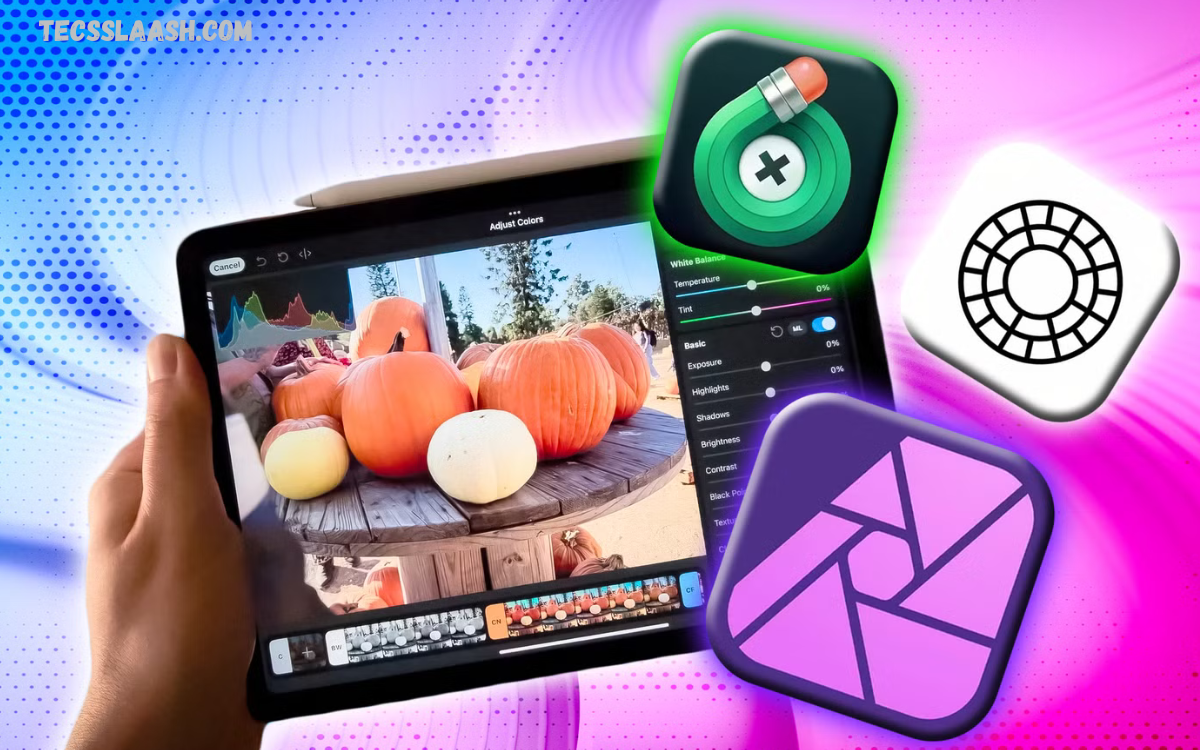
Photo editing has become an essential skill for photographers, content creators, social media influencers, marketers, and even everyday smartphone users. Whether you’re enhancing travel memories, creating eye-catching social media posts, or producing professional marketing visuals, the right photo editing app can make a significant difference in the final result.
With hundreds of photo editing applications available for Android, iPhone, Windows, and Mac, choosing the best one can be overwhelming. Some apps focus on professional-level editing with advanced features, while others provide beginner-friendly interfaces that make editing quick and effortless.
Why Does Choosing the Right Photo Editing App Matter?
A professional photo editor helps you:
- Enhance image quality instantly
- Correct exposure and colors
- Remove unwanted objects
- Retouch portraits naturally
- Create eye-catching social media content
- Edit RAW photographs
- Improve product photography
- Save time with AI automation
- Produce consistent branding visuals
The right app not only improves your photos but also increases productivity and creativity.
Adobe Lightroom
Adobe Lightroom remains one of the industry’s leading photo editing applications for professionals and photography enthusiasts.
Best For
- Professional photographers
- RAW image editing
- Color grading
- Mobile and desktop editing
Key Features
- Professional RAW editing
- AI masking
- Selective adjustments
- Cloud synchronization
- Powerful presets
- Noise reduction
- Lens correction
- HDR editing
Pros
- Excellent image quality
- Advanced editing tools
- Professional workflow
- Works across multiple devices
- Huge preset library
Cons
- Subscription required
- Learning curve for beginners
Adobe Photoshop Express
Photoshop Express offers powerful editing features in a simplified interface designed for quick edits.
Best For
- Beginners
- Social media creators
- Quick enhancements
Features
- Background removal
- AI editing
- Filters
- Collage maker
- Blemish removal
- Perspective correction
- Text overlays
Pros
- Easy to use
- Fast editing
- Free version available
- High-quality results
Cons
- Limited advanced editing compared to desktop Photoshop
Snapseed
Developed by Google, Snapseed is one of the best completely free photo editing apps available today.
Best For
- Android users
- iPhone users
- Mobile photographers
Features
- RAW editing
- Healing tool
- Selective editing
- Curves
- White balance
- Vintage effects
- Double exposure
- HDR Scape
Pros
- Completely free
- No advertisements
- Professional editing tools
- Easy interface
Cons
- No cloud storage
- Limited updates
Canva
Although known as a graphic design platform, Canva includes impressive photo editing capabilities.
Best For
- Content creators
- Small businesses
- Marketing teams
Features
- AI Magic Edit
- Background remover
- Image enhancement
- Templates
- Text effects
- Social media resizing
- Brand kits
Pros
- Beginner friendly
- Thousands of templates
- Fast editing
- Team collaboration
Cons
- Premium features require a subscription
PicsArt
PicsArt combines traditional editing with creative tools powered by artificial intelligence.
Best For
- Social media influencers
- Creative designers
- Digital artists
Features
- AI image generator
- Stickers
- Filters
- Background remover
- Beauty retouching
- Collage maker
- Drawing tools
Pros
- Fun creative features
- Easy interface
- Large editing community
Cons
- Advertisements in free version
VSCO
VSCO has built a strong reputation among photographers because of its premium filters and cinematic editing style.
Best For
- Lifestyle photography
- Portrait editing
- Instagram creators
Features
- Premium presets
- Film simulations
- HSL adjustments
- Video editing
- RAW support
- Exposure tools
Pros
- Beautiful color grading
- Clean interface
- Excellent filters
Cons
- Subscription required for premium presets
Pixelmator Pro
Pixelmator Pro is one of the most powerful editing applications for macOS users.
Best For
- Mac users
- Graphic designers
- Professional photographers
Features
- Machine learning enhancements
- Layer editing
- Color adjustments
- Smart object removal
- Painting tools
- PSD compatibility
Pros
- One-time purchase
- Fast performance
- Professional editing
Cons
- Only available for Mac
Affinity Photo
Affinity Photo provides professional-level editing without a monthly subscription.
Best For
- Professionals
- Designers
- Advanced photo editing
Features
- Layer editing
- HDR merge
- Panorama stitching
- Focus stacking
- RAW editing
- Frequency separation
Pros
- Affordable
- Powerful tools
- No subscription
Cons
- Steeper learning curve
Luminar Neo
Luminar Neo uses artificial intelligence to simplify complex editing tasks.
Best For
- AI editing
- Landscape photography
- Portrait enhancement
Features
- Sky replacement
- AI masking
- Portrait bokeh
- Relight AI
- Background removal
- Face enhancement
Pros
- Fast workflow
- Excellent AI tools
- Professional-quality results
Cons
- Premium pricing
PhotoDirector
PhotoDirector combines AI editing with traditional professional editing tools.
Best For
- Creative editing
- Portrait photography
- AI effects
Features
- AI avatars
- Face retouching
- Sky replacement
- Object removal
- Animation effects
- Templates
Pros
- Beginner friendly
- Modern AI features
- Excellent value
Cons
- Some AI tools require premium access
Features to Look for in a Professional Photo Editing App
Before choosing a photo editor, consider the following features:
RAW Support
Professional photographers should choose apps that can edit RAW images without sacrificing quality.
AI Editing
Artificial intelligence speeds up editing by automating tasks like object removal, background replacement, and portrait enhancement.
Layer Editing
Layer-based editing offers greater creative flexibility for advanced projects.
Color Grading
Professional color adjustment tools improve mood, consistency, and branding.
Cloud Synchronization
Cloud storage keeps projects accessible across multiple devices.
Presets
High-quality presets speed up workflow while maintaining consistent visual styles.
Export Quality
Choose an app that exports high-resolution images suitable for print and digital publishing.
Free vs Paid Photo Editing Apps
Free Apps
Advantages:
- No cost
- Great for beginners
- Basic editing features
- Simple interface
Disadvantages:
- Advertisements
- Limited advanced tools
- Watermarks in some apps
Paid Apps
Advantages:
- Professional editing tools
- AI-powered features
- Better export quality
- Frequent updates
- Premium customer support
Disadvantages:
- Subscription or purchase cost
Which Photo Editing App Is Best for You?
Beginners
- Canva
- Snapseed
- Photoshop Express
Professional Photographers
- Adobe Lightroom
- Affinity Photo
- Pixelmator Pro
Social Media Creators
- PicsArt
- VSCO
- Canva
AI Editing
- Luminar Neo
- PhotoDirector
- Adobe Lightroom
Tips for Achieving Professional-Quality Results
Getting professional-looking images isn’t just about choosing the best software. Consider these practices:
- Shoot in RAW whenever possible.
- Adjust exposure before applying filters.
- Maintain natural skin tones.
- Avoid excessive sharpening.
- Use selective editing for precision.
- Correct white balance for accurate colors.
- Remove distractions from the background.
- Keep edits consistent across your portfolio.
- Export images at the highest quality suitable for their intended use.
Frequently Asked Questions
Which photo editing app is best for professionals?
Adobe Lightroom is widely considered one of the best options for professional photographers due to its advanced RAW editing, color grading, cloud synchronization, and AI-powered editing features.
What is the best free photo editing app?
Snapseed remains one of the best free photo editing applications, offering professional tools without advertisements or watermarks.
Which app is best for social media content?
Canva, PicsArt, and VSCO are excellent choices for creating attractive, platform-ready images with minimal effort.
Are AI photo editing apps worth using?
Yes. AI-powered editing apps significantly reduce editing time by automating tasks such as background removal, object replacement, portrait retouching, and color enhancement while maintaining excellent image quality.
Can mobile apps produce professional-quality photos?
Absolutely. Modern smartphones paired with advanced editing apps like Lightroom Mobile, Snapseed, and VSCO can produce images suitable for commercial use, websites, marketing campaigns, and social media.
Conclusion
Choosing the Best Photo Editing Apps for Professional-Quality Results ultimately depends on your editing style, experience, and creative goals. If you’re a professional photographer, Adobe Lightroom and Affinity Photo deliver industry-leading tools for precise editing and color management.
As photo editing technology continues to evolve, AI-powered enhancements, cloud-based workflows, and mobile-first editing are making professional-grade tools more accessible than ever.

