


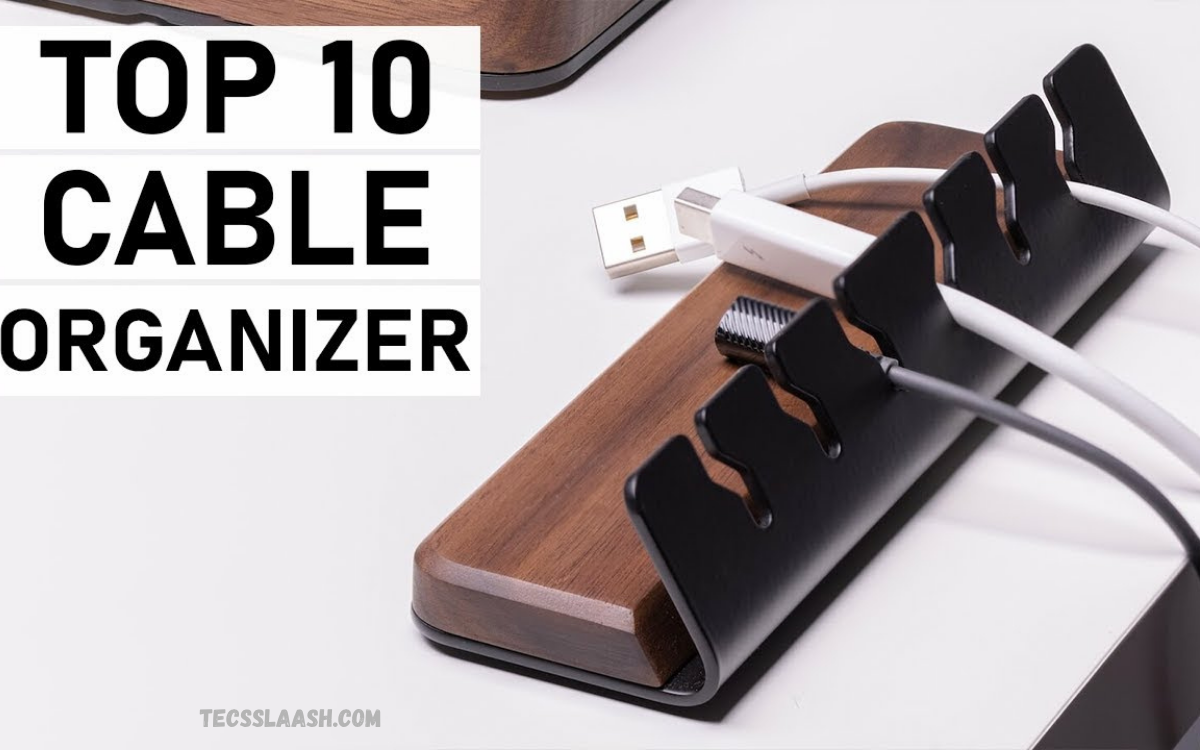
A cluttered workspace can make even a clean room look disorganized, especially when charging cables, USB cords, power cables, and computer wires are scattered across the desk. Choosing the Best Cable Organizer helps keep cables separated, accessible, protected, and neatly arranged while creating a cleaner environment.
Modern homes and offices often contain multiple electronic devices, including smartphones, laptops, monitors, keyboards, gaming consoles, headphones, speakers, and smart accessories. A reliable cable management solution reduces tangling, prevents unnecessary cable movement, improves workspace organization, and makes it easier to identify the correct cable whenever needed.
What Is a Cable Organizer?
A cable organizer is a practical accessory designed to arrange, secure, store, or conceal cables. It prevents wires from becoming tangled while keeping frequently used cables positioned correctly around desks, entertainment centers, workstations, and other electronic setups.
Cable organizers are available in several forms, including adhesive clips, reusable hook-and-loop straps, cable sleeves, cable management boxes, under-desk trays, cable holders, and compact travel pouches. The right solution can improve both appearance and functionality without requiring complicated installation.
Why Use the Best Cable Organizer?
The primary advantage of the Best Cable Organizer is improved cable management. Instead of allowing multiple wires to overlap, twist, or fall behind furniture, an organizer keeps them arranged according to their purpose and location.
Good cable organization also saves time. When every cable has a designated position, finding a charging cable, monitor connection, headphone wire, or USB cable becomes significantly easier.
Best Types of Cable Organizers
Cable Clips
Cable clips are among the simplest cable management accessories available. They hold individual cables against desks, walls, shelves, bedside tables, and other surfaces, preventing wires from sliding away when disconnected.
Many cable clips use adhesive backing for quick installation, while some models use magnetic or clamp-based designs. They work especially well for charging cables that need to remain within easy reach.
Cable Sleeves
Cable sleeves are useful when several wires need to travel together. Instead of managing individual cables separately, a sleeve groups multiple wires into one organized bundle.
This solution works particularly well behind computers, televisions, gaming systems, and entertainment centers. Sleeves can also improve visual appearance by reducing the number of visible individual cables.
Cable Management Boxes
Cable management boxes conceal power strips, adapters, and excess cable length inside a dedicated enclosure. They provide an effective solution for desks and entertainment areas where several power cables connect to a single outlet.
A cable management box can create a cleaner appearance while reducing visible wire clutter. Ventilation should remain adequate around electrical equipment, and the organizer should be suitable for the devices being used.
Cable Ties
Cable ties provide a simple method for bundling wires together. Reusable hook-and-loop ties are especially practical because they can be opened and adjusted whenever cables need to be added, removed, or rearranged.
For temporary setups, reusable ties are generally more convenient than permanent fastening solutions. They are also useful for organizing cables inside drawers, computer cabinets, travel bags, and storage containers.
Under-Desk Cable Trays
Under-desk trays provide dedicated space for power strips and excess cables beneath a workstation. They help keep wires away from the floor while maintaining a clean appearance above the desk.
This type of organizer is particularly useful for desktop computers, multiple monitors, docking stations, speakers, and other equipment requiring several connections.
Cable Organizers for Travel
Travel cable organizers are compact cases designed to store charging cables, adapters, memory cards, earbuds, and other small electronic accessories. Internal compartments keep different accessories separated and reduce tangling during transportation.
A good travel organizer should be lightweight, durable, compact, and easy to access. It can be especially useful for students, travelers, remote workers, and anyone carrying several electronic accessories.
Best Cable Organizer for Home Offices
A home office often requires several cable management solutions because computers, monitors, printers, lamps, chargers, speakers, and networking equipment can create significant wire clutter. Combining cable clips, reusable ties, and an under-desk tray can provide comprehensive organization.
Start by identifying every cable connected to the workstation. Group cables according to their destination, secure them with reusable ties, and route them through clips or cable channels to prevent unnecessary movement.
Best Cable Organizer for Gaming Setups
Gaming setups commonly contain numerous cables from monitors, consoles, controllers, keyboards, mice, speakers, headsets, lighting systems, and network equipment. Without proper management, these wires can quickly become tangled behind the desk.
A combination of cable sleeves, clips, reusable ties, and an under-desk management tray can create a cleaner gaming environment. Separating power cables from data and peripheral cables can also make troubleshooting easier.
Best Cable Organizer for Desks
For a standard desk, simplicity is often the best approach. Small cable clips can keep charging cables and frequently used connections in position, while reusable ties can organize longer cables underneath the desk.
Avoid forcing too many cables into one holder. Each cable should have enough flexibility for normal movement without creating excessive tension at the connector.
Best Cable Organizer for TV and Entertainment Systems
Televisions, streaming devices, sound systems, gaming consoles, media players, and other accessories can create complicated cable networks. A cable management box or sleeve can conceal multiple wires while keeping the setup accessible.
Before organizing entertainment cables, identify each connection carefully. Labeling cables can also simplify future maintenance, especially when several devices use similar-looking connectors.
Features to Consider Before Buying
Choosing the Best Cable Organizer requires more than selecting the cheapest option. Material quality, capacity, installation method, flexibility, durability, and compatibility should all be considered before making a decision.
Capacity
Consider how many cables need to be organized. A small clip may be ideal for one charging cable, while a cable sleeve or management box may be more suitable for a larger collection.
Material Quality
Durable materials can withstand repeated handling and regular movement. Look for organizers made from materials that maintain their shape and fastening strength during everyday use.
Installation Method
Cable organizers can use adhesive, clips, clamps, screws, magnets, or simple wrapping mechanisms. Choose an installation method appropriate for the surface and avoid damaging furniture or walls.
Reusability
Reusable organizers provide greater flexibility because cables can be removed or rearranged without replacing the accessory. Hook-and-loop ties are particularly useful for setups that change frequently.
Size
The organizer should match the size of the cables being managed. A product that is too small may restrict cables, while an unnecessarily large organizer can waste space.
Accessibility
Cable management should not make cables difficult to reach. Frequently used connections should remain accessible, while less frequently accessed wires can be routed farther away.
How to Organize Cables Properly
Begin by disconnecting and separating the cables in your workspace. Identify each cable, determine its purpose, and remove unused or damaged cables from the setup.
Next, group cables according to their destination. For example, monitor cables can form one group, charging cables another, and peripheral cables another.
Read Also: Best Tripod for Mobile: Top Picks for Stable Photos and Professional Videos
Common Cable Management Mistakes
One common mistake is bundling every cable together without considering its destination. Although this may initially look organized, it can make troubleshooting difficult when one device needs to be disconnected.
Another mistake involves using permanent fastening methods for cables that require frequent adjustment. Reusable organizers are usually more practical for desks and technology setups that change regularly.
Cable Organizer Maintenance Tips
Cable organization requires occasional maintenance because devices and workspaces change over time. Review your cable setup periodically and remove accessories or wires that are no longer necessary.
Clean the organizer and surrounding area regularly to prevent dust accumulation. Check adhesive clips and fasteners occasionally to ensure they remain secure and replace damaged accessories when necessary.
How to Choose the Best Cable Organizer
The Best Cable Organizer depends on your specific environment rather than a single universal design. A person managing one smartphone charger has different requirements from someone operating a multi-monitor workstation.
For a simple desk, cable clips and reusable ties may be sufficient. For larger setups, combining sleeves, trays, boxes, and clips can provide better organization and a more polished appearance.
Benefits of a Well-Organized Workspace
Effective cable management provides more than visual improvement. It can make cleaning easier, simplify device maintenance, reduce cable tangling, and create a more comfortable working environment.
An organized workspace also makes technology upgrades easier. When cables are clearly routed and identified, replacing a monitor, computer, charger, or peripheral becomes less complicated.
Frequently Asked Questions
What is the Best Cable Organizer?
The Best Cable Organizer depends on your setup and cable requirements. Cable clips work well for individual wires, while sleeves, boxes, and under-desk trays are better for multiple cables.
Why should I use a cable organizer?
A cable organizer keeps wires neat, reduces tangling, improves workspace appearance, and makes individual cables easier to identify and access.
Which cable organizer is best for a desk?
Cable clips and reusable hook-and-loop ties are excellent choices for desks. They keep frequently used charging and peripheral cables within easy reach.
Are cable sleeves useful for multiple wires?
Yes. Cable sleeves group several wires together, reducing visible clutter and creating a cleaner appearance behind desks, televisions, and gaming setups.
What is the best cable organizer for gaming?
Gaming setups often benefit from a combination of cable sleeves, reusable ties, cable clips, and under-desk trays because gaming equipment usually requires multiple connections.
Are reusable cable ties better than disposable ties?
Reusable ties are more flexible for most home and office setups because cables can be added, removed, or rearranged without replacing the organizer.
How do I organize cables under my desk?
Group cables according to their destination, remove unnecessary wires, use reusable ties for bundles, and route cables through clips or an under-desk tray.
Can cable organizers damage furniture?
Some adhesive organizers may leave residue or damage certain surfaces. Check the manufacturer’s recommendations and choose a suitable attachment method for your furniture.
How do I prevent cables from becoming tangled?
Keep cables separated according to their purpose, use clips to control individual wires, and bundle longer cables with reusable ties or sleeves.
How do I choose the right cable organizer?
Consider the number of cables, cable thickness, available space, installation method, accessibility, durability, and whether you need a permanent or reusable organization solution.
Conclusion
The Best Cable Organizer is one that matches your cable quantity, workspace design, and daily requirements. Cable clips, sleeves, management boxes, reusable ties, and under-desk trays each provide valuable solutions for different organization challenges.
A professional cable management setup does not need to be complicated or expensive. By removing unnecessary cables, grouping connections logically, selecting suitable organizers, and maintaining the setup regularly, you can create a cleaner, safer, and more efficient workspace in 2026.

